
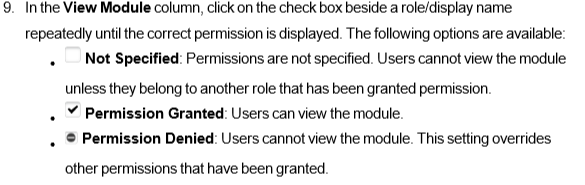
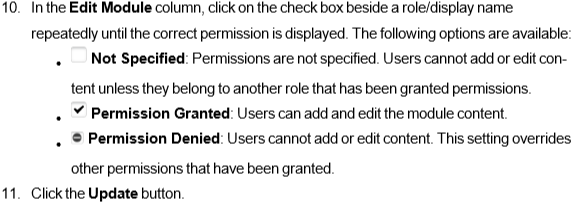
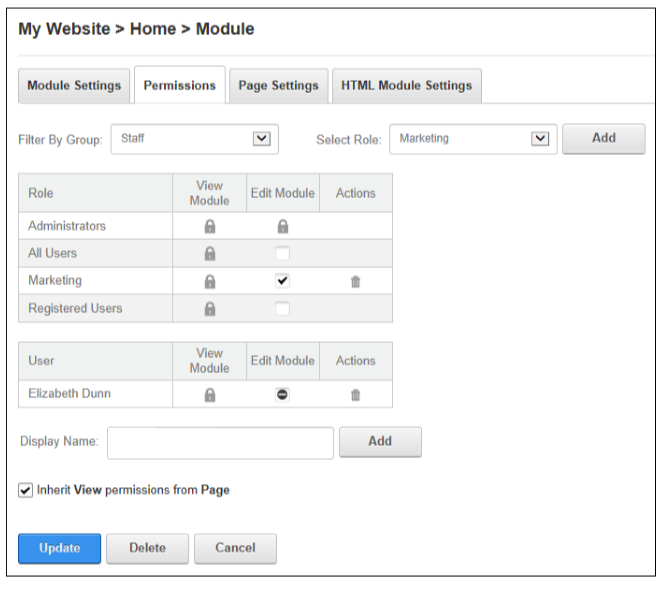
Page Editors, Administrators and Super Users can configure access to view, edit and manage module content by granting permission to security roles and to individual users. Permission can be granted or denied for a role or for an individual user. additional permission options are available on some modules such as Events and Feedback.
To configure module permissions:
1. Go to the module
2. Select the 'Cog' icon and click 'Manage', 'Settings' from the module actions menu.
3. Select the 'Permissions' tab
4. Optional. To remove all permissions for a user or role, click the 'Delete' trash icon in the 'Actions' column.
5. Optional. To only modify permissions for roles and users that are already displayed on the page , skip to step 8.
6. Optional. To set permissions for individual users that aren't displayed, begin entering the user's display name ito the Display Name text box and select the matching record. Repeat to add additional users and then click the 'Add' button.
7. Optional. To set permissions for a role that isn't displayed, select one of the following options from the 'Filter By Group' drop down list, choose a role from the 'Select Role' drop down list and click the 'Add' button.
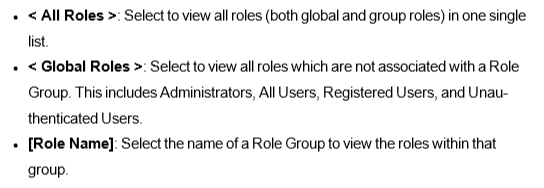
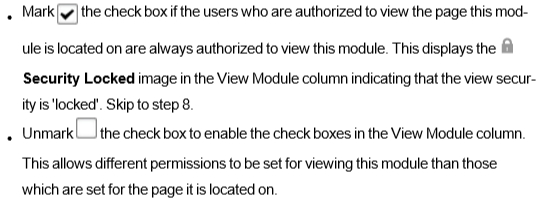
8. Optional. At 'Inherit View permissions from Page', select from these options:
Comments
0 comments
Please sign in to leave a comment.