
Yes, you can copy an existing event. You will find copy under the action menu at the end of each event on the event list page. Eg:
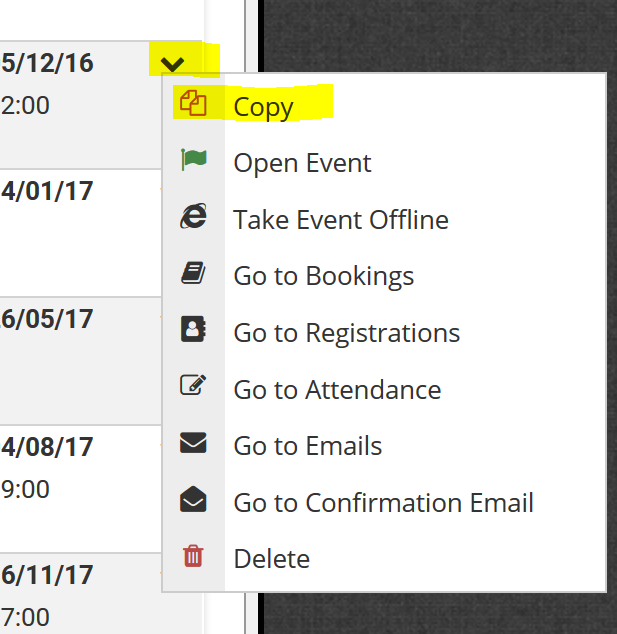
When you select copy you will need to provide:
- A new event code
- A new event name (this defaults to "copy of [name of copied event]"
- Start and End date and time for the new event
- Indicate if you wish to copy event pricing (registration types and options)
- Indicate if you want to copy the table plan configuration (if used).
Clicking OK will create a new event based on the copied event with the updated details provided.
Comments
0 comments
Please sign in to leave a comment.