
Your members can change the frequency of their subscription and/or their direct debit when renewing.
To enable this:
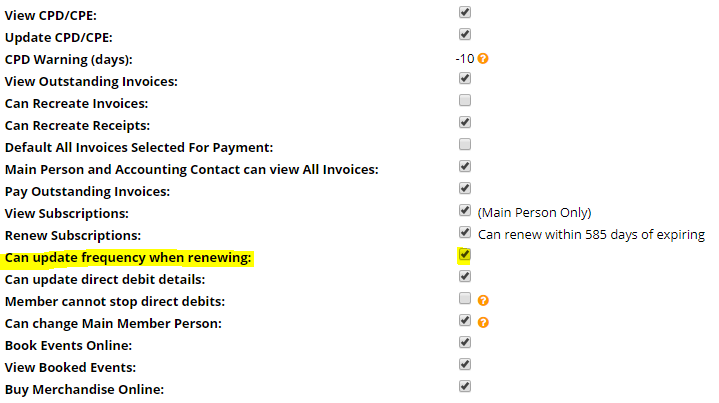
1. Navigate to Administration > System Configuration > Company Settings > Self Service.
2. Check the box next to "Can update frequency when renewing". This alone will allow members to change the frequency of their subscription when renewing (If multiple frequencies exist fo their current subscription)
3. Navigate to Administration > System Configuration > Subscriptions. Click on the subscription you wish to allow your users to change their frequency. Note that the selected subscription must have multiple subscription frequency values.
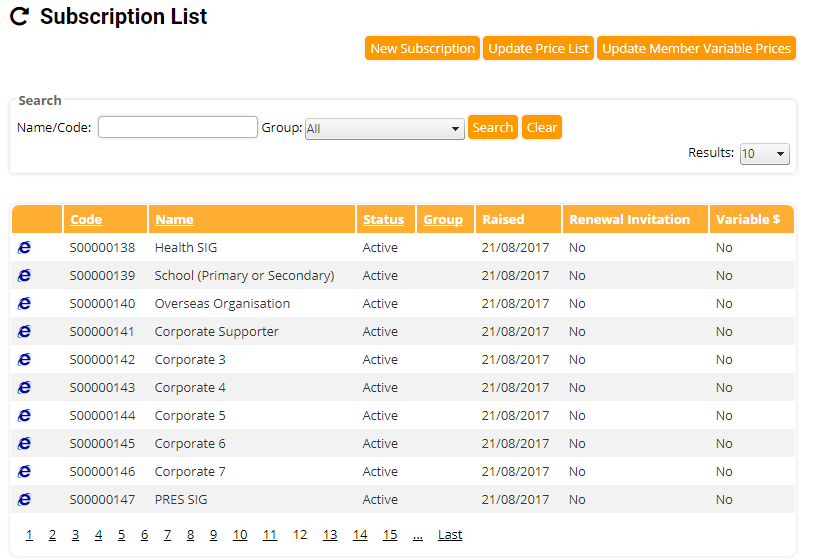
4.Click Edit
5. Tick the "Members can change the frequency of their direct debit" checkbox to allow members to change the frequency when updating their direct debit details.

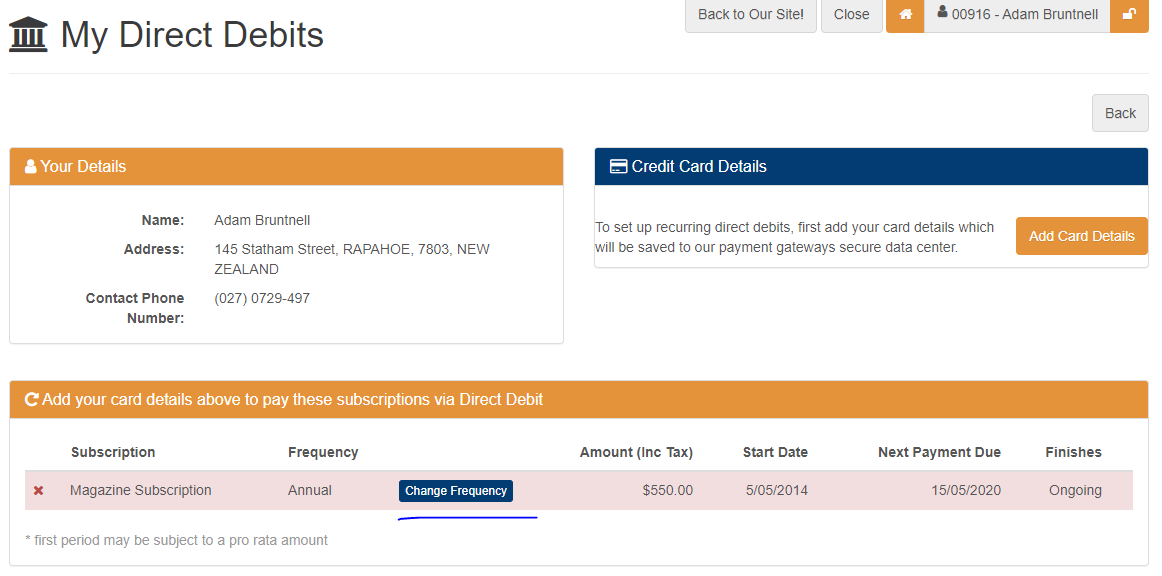
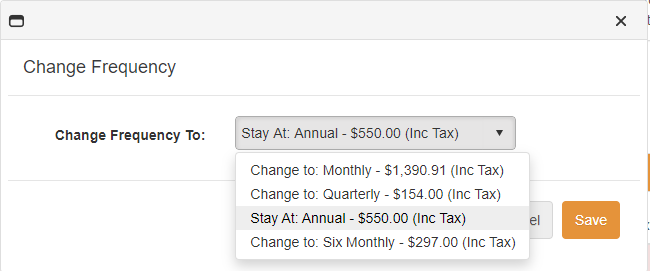
6. Now when a member navigates to their direct debits they will have a Change Frequency button and a pop-up window to make their selection
Comments
0 comments
Article is closed for comments.