
Express Checkout
Using Single Click Renewals or Invoice Payments your members can click a personalised link in their email and select which subscriptions they would like to renew, select their preferred subscription frequency, enter their credit card details and pay.
If you would like to streamline this process for your members, navigate to Administration > System Configuration > Company Settings > Self Service.
Click the EDit button at the top right.
Turn on "Use Express Checkout for Single Click Renewals".

Click Update.
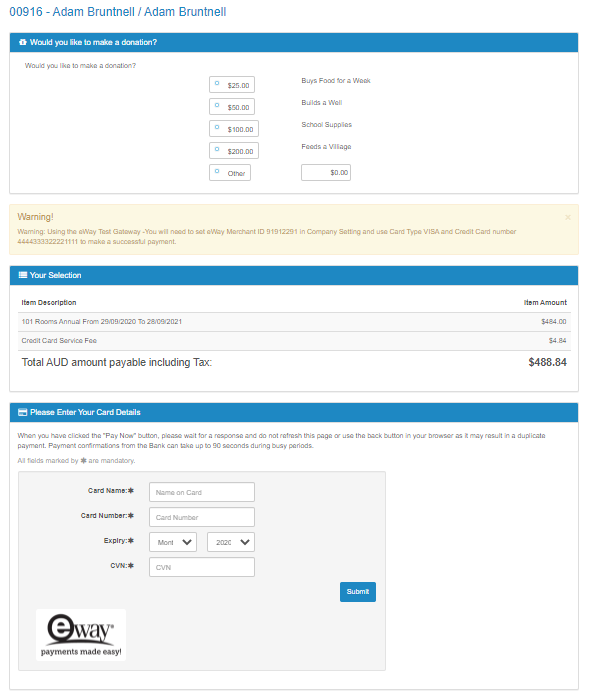
Now when the member clicks the link in their email they will be sent directly to the payment entry screen, add a donation and then make a payment.
Comments
0 comments
Please sign in to leave a comment.