
This guide presumes that invoices have already been raised for the member(s). For a tutorial on how to raise subscription invoices in bulk please see here.
Your Members can pay an invoice with a single click.
Each member will receive a unique link, upon clicking this link they will be able to pay their invoice, and optionally add a donation and pay their invoice without logging in.
Designing the email
You can design the email in the Pro Editor Template builder.
You can find this under Mail Generation > Email Templates
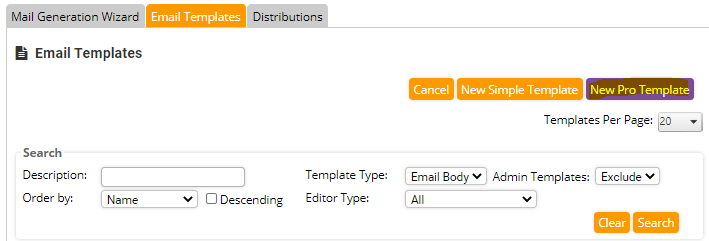
Design the email however you like using all of the tools available in the Pro Editor
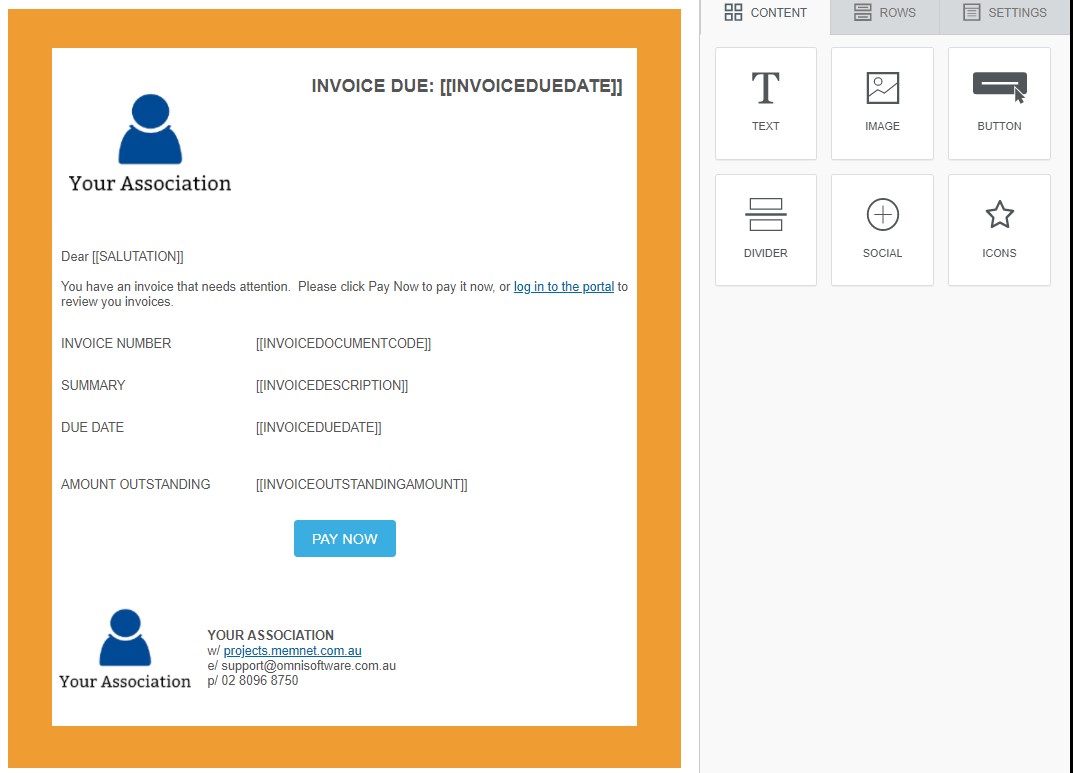
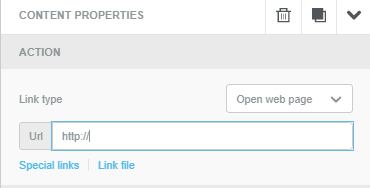
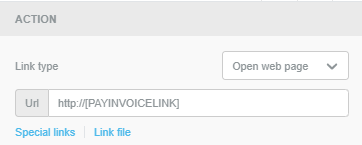
To add the unique renewal link to the button, click on the button. On the right-hand pane you will be able to select link type.
Click "Special Links"
From the Menu select "Invoice Pay Online Link"
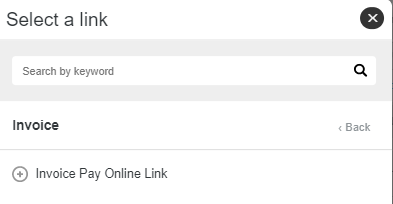
This will be the result
Distribution of invoice and email template
There must be an invoice associated with the communication you send with this link. That can be achieved in one of three ways:
- Sending an individual invoice using the Emil Invoice button on the Invoices tab of a members profile. Select the template created above.
- From Process Pending Transactions when creating and distributing invoices via that process.
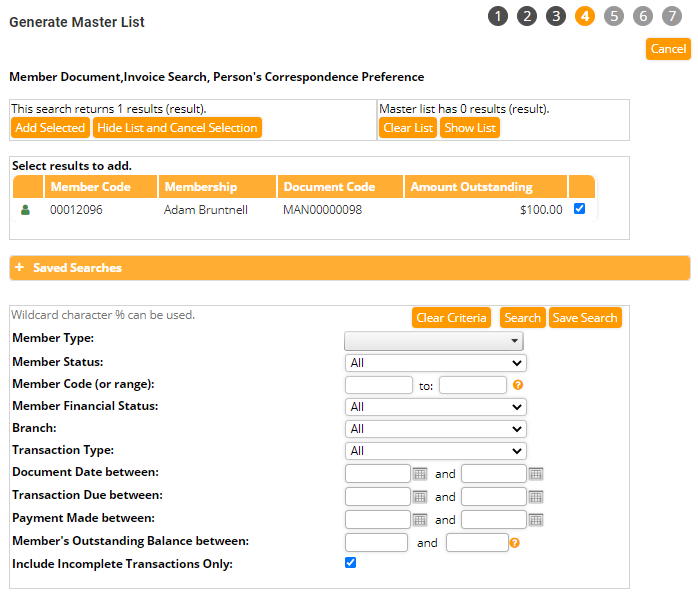
- Using the Account Document Generator as outlined below. You can read more about Account Document Generator here.
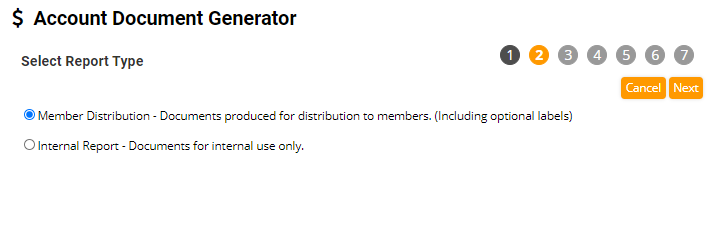
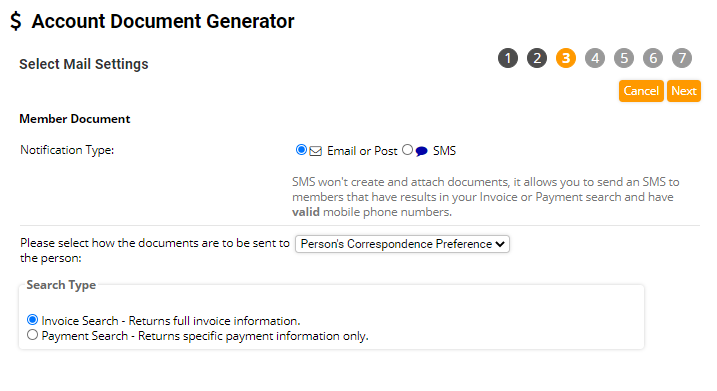
Search for the invoices you wish to send out.
Select an invoice template from the list and Click Generate Documents
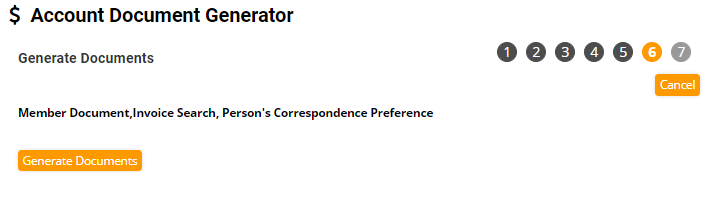
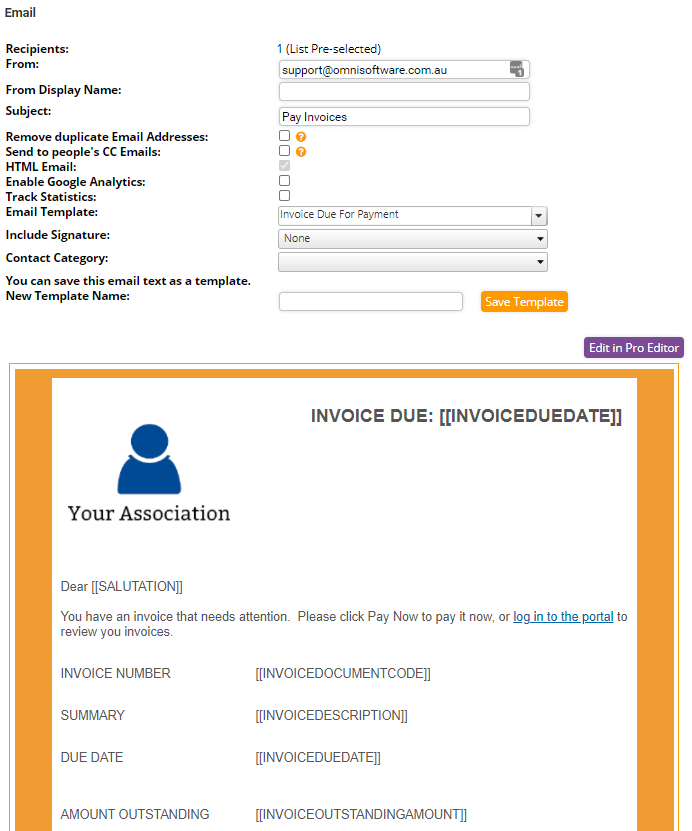
When distributing the invoice documents select your new email template to give members the option to pay the selected invoice quickly.
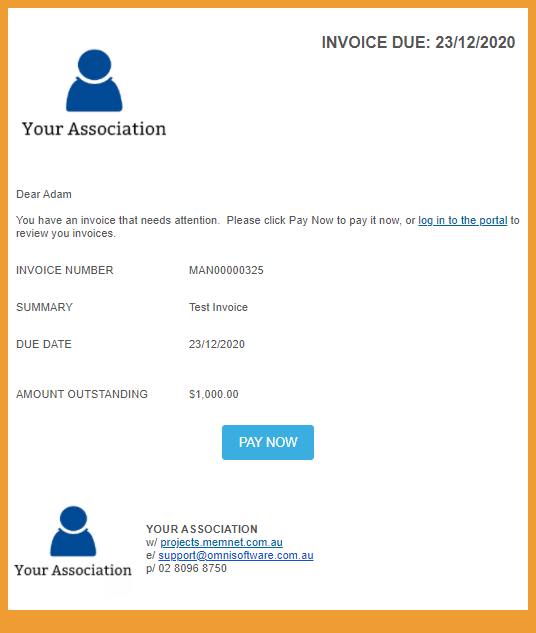
Your members will receive an email with the necessary details and unique button to allow them to pay.
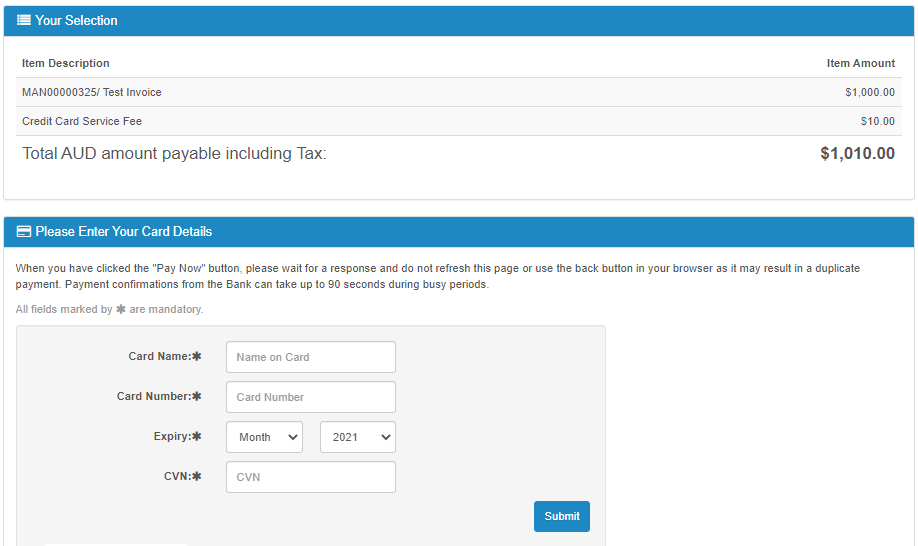
When they click the Pay Now Button, they are directed to a payment page where they can enter in their credit card details and pay the invoice.
Did you know you can also use these links in SMS messages? We strongly suggest enabling Link Shortening on your MessageMedia account before doing so.
Comments
0 comments
Please sign in to leave a comment.